
In many cases, there is great justification for configuring infrastructure around Microsoft SQL Server. Now with SQL in Azure, the possibility to scale workloads and services has been greatly enhanced. To start, you must decide on what type of workloads will be placed within your cloud infrastructure. At best, you should develop a good cloud strategy around your business’s needs.
If you take a look in the “tiered” options for when creating a SQL Database within Azure, you will find that depending on your workloads, you have many scaleable options to choose from. Within the tiered options, you can choose from Basic, Standard, Premium.
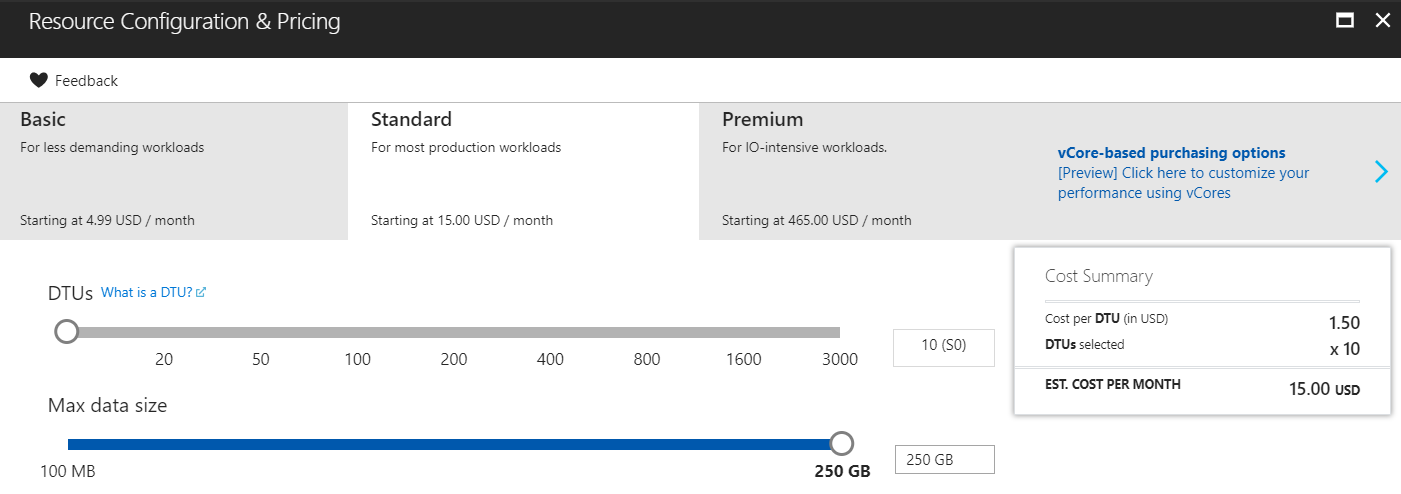
Basic – Used for lighter workloads. Can be used for testing, development, and small projects.
Standard – Used mainly for OLTP databases. Within this tier performance can be more predictable in terms of tiered levels. (Ex. S0 to S3)
Premium – Used to increase scaling from the Standard Tier. Allows for more measurable interpretation of how your workloads should be scaled.
Metrics Scale
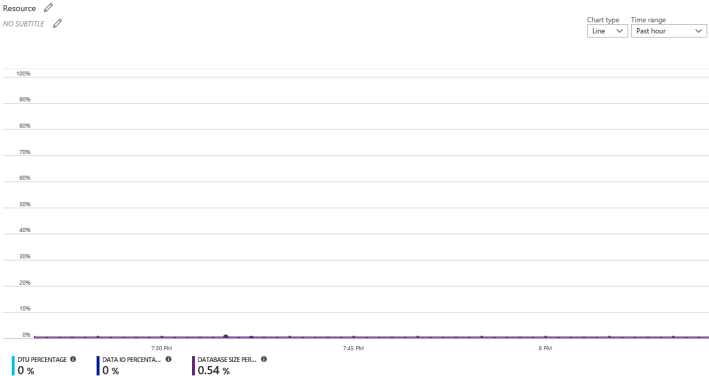
There are also tool sets that Microsoft provides to measure your workloads from on-premise to migrate over to Azure. Specifically the DTU calculator provided by Microsoft helps measure performance, usage, and other variations of your workload.
DTU Calculator – http://dtucalculator.azurewebsites.net/
 nextgenbytes.com